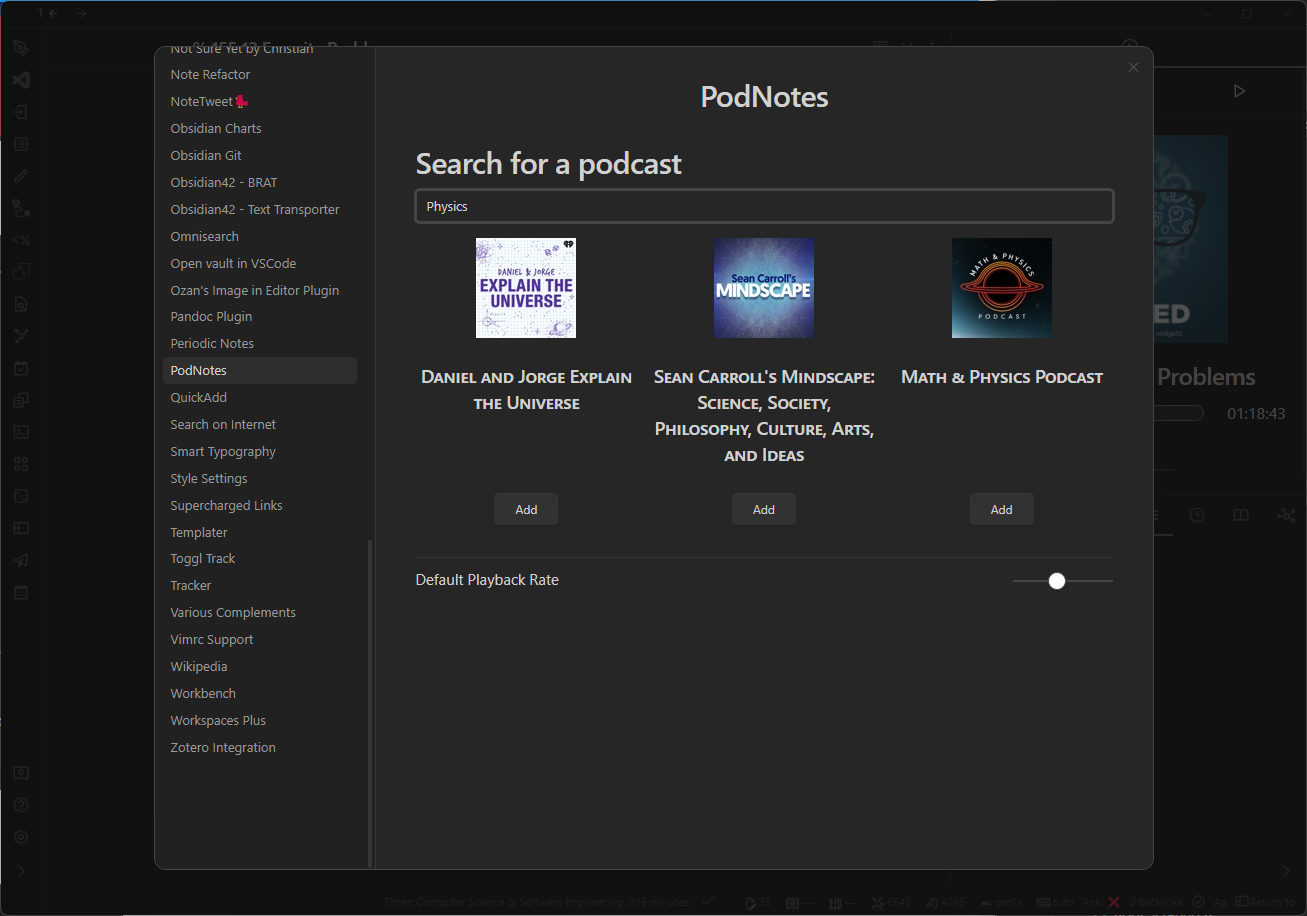
PodNotes
The one goal for PodNotes is to make it easier to write notes on podcasts.
Here are the features that will help you do that 👇.
Features
Section titled “Features”- Mobile friendly - works on iOS and Android, including offline playback of local files and downloads
- Podcast player built into Obsidian, for both audio and video episodes
- Add any publicly available podcast through search, or custom feeds by URL
- Track played episodes & playback progress, with continuous resume
- Works with Obsidian Sync and other sync tools: changes made on another device merge in without a restart
- Create podcast notes from templates with rich metadata about episodes
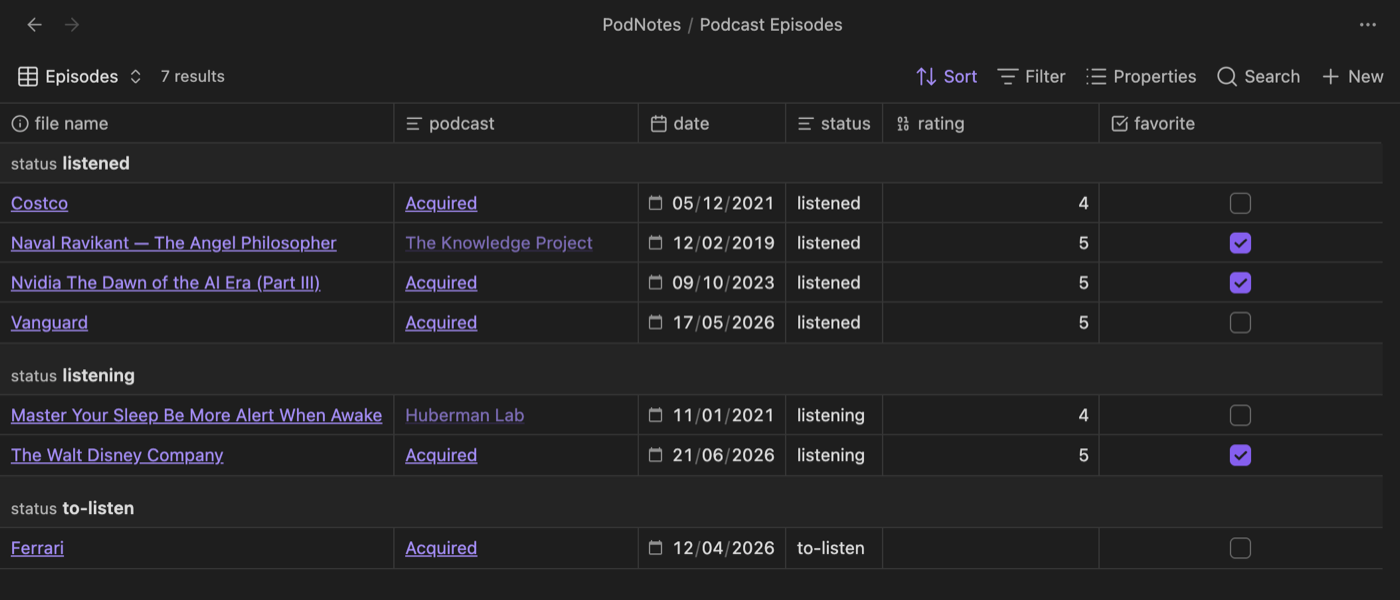
- Bases-friendly default notes you can sort, filter, and group with Obsidian Bases
- Create a feed note for an entire podcast that every episode note links back to
- Capture timestamps & link directly to the time in the episode
- Transcribe episodes, with optional speaker labels (diarization)
- Download episodes for offline playback
- Support for non-podcast local audio and video files
- API that can be used by plugins like QuickAdd or Templater for custom workflows
Installation
Section titled “Installation”This plugin is in the Obsidian community plugin store. You can find it by searching in the store, or by clicking here.
Installation with BRAT
Section titled “Installation with BRAT”BRAT is an Obsidian plugin that helps you test beta plugins and themes. Click here to install it in Obsidian.
Add chhoumann/PodNotes to BRAT with the Add a beta plugin for testing command.
Now follow the appropriate instructions, which most likely will have you go and enable the plugin once it has finished installing.
Manual installation
Section titled “Manual installation”Go to the releases page.
Download main.js and manifest.json.
Create a new directory in your Obsidian vaults .obsidian/plugins/ folder called podnotes and place the downloaded files there.
Now refresh the plugins in Obsidian and enable PodNotes.
Screenshots
Section titled “Screenshots”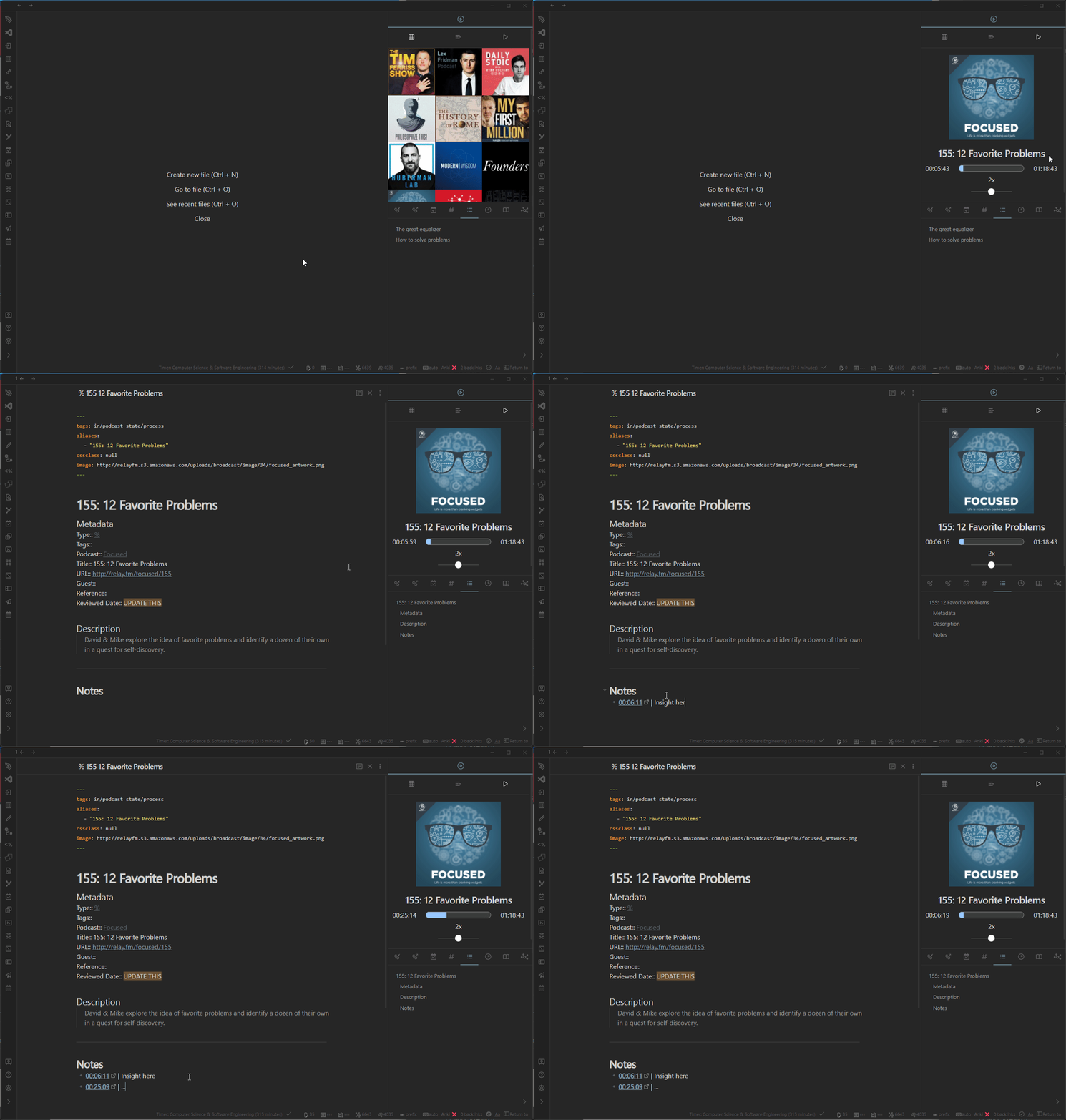
Podcast Grid
Section titled “Podcast Grid”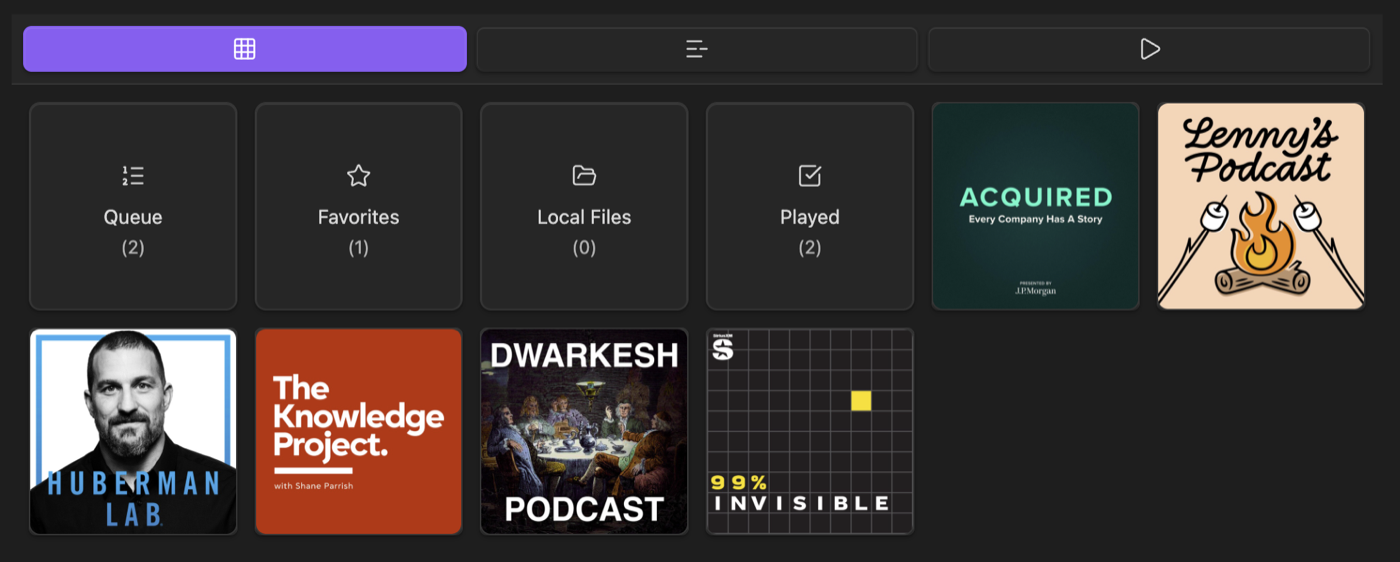
Episode List
Section titled “Episode List”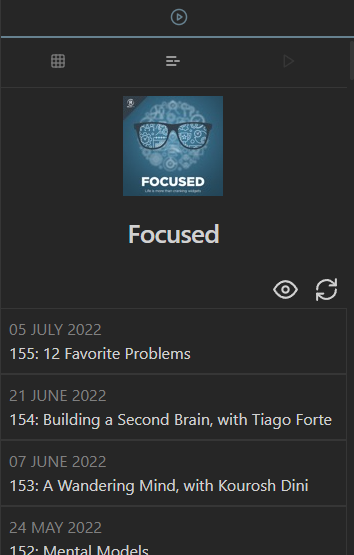
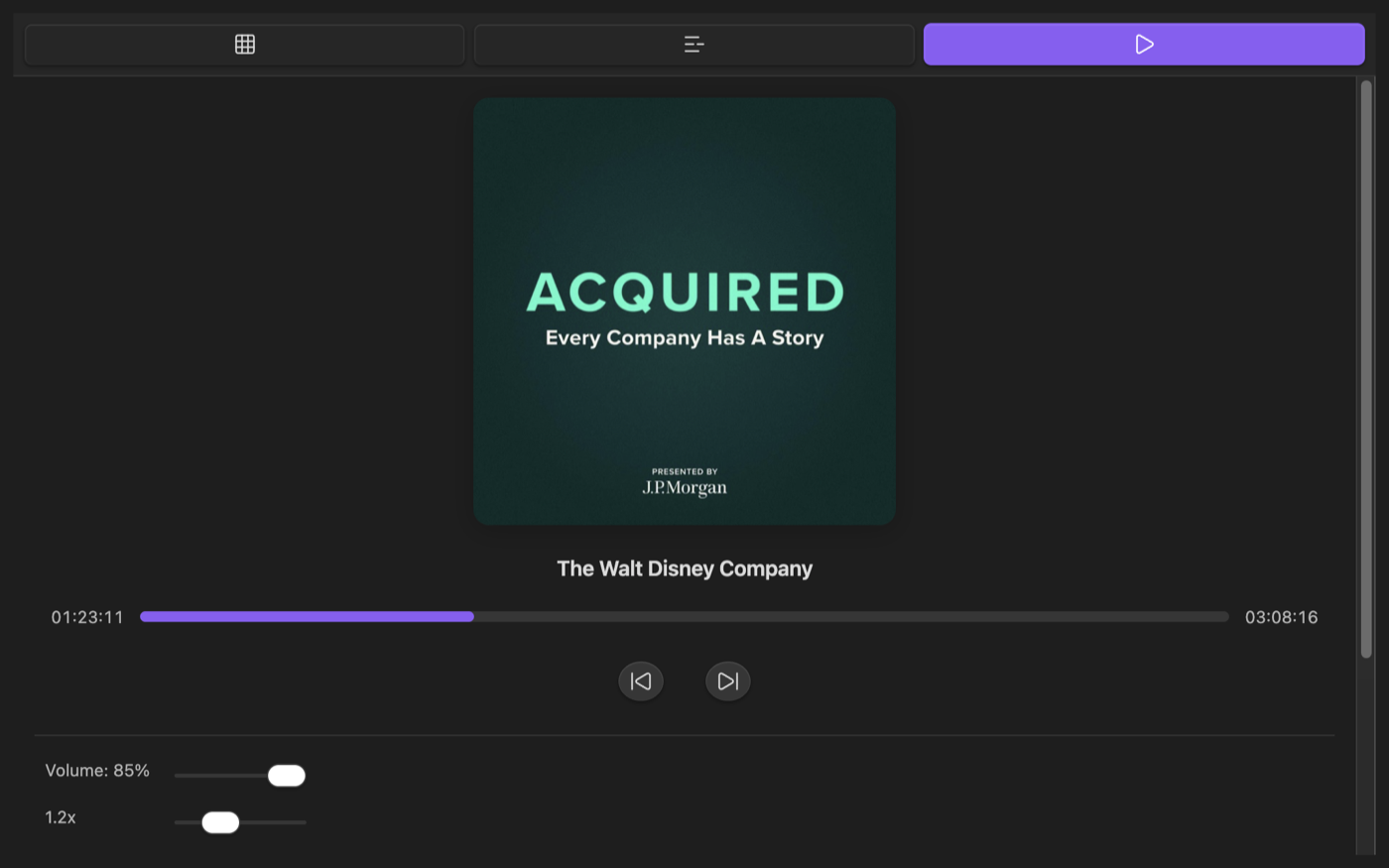
Player
Section titled “Player”Play audio and video episodes, adjust the speed, and pick up exactly where you left off.
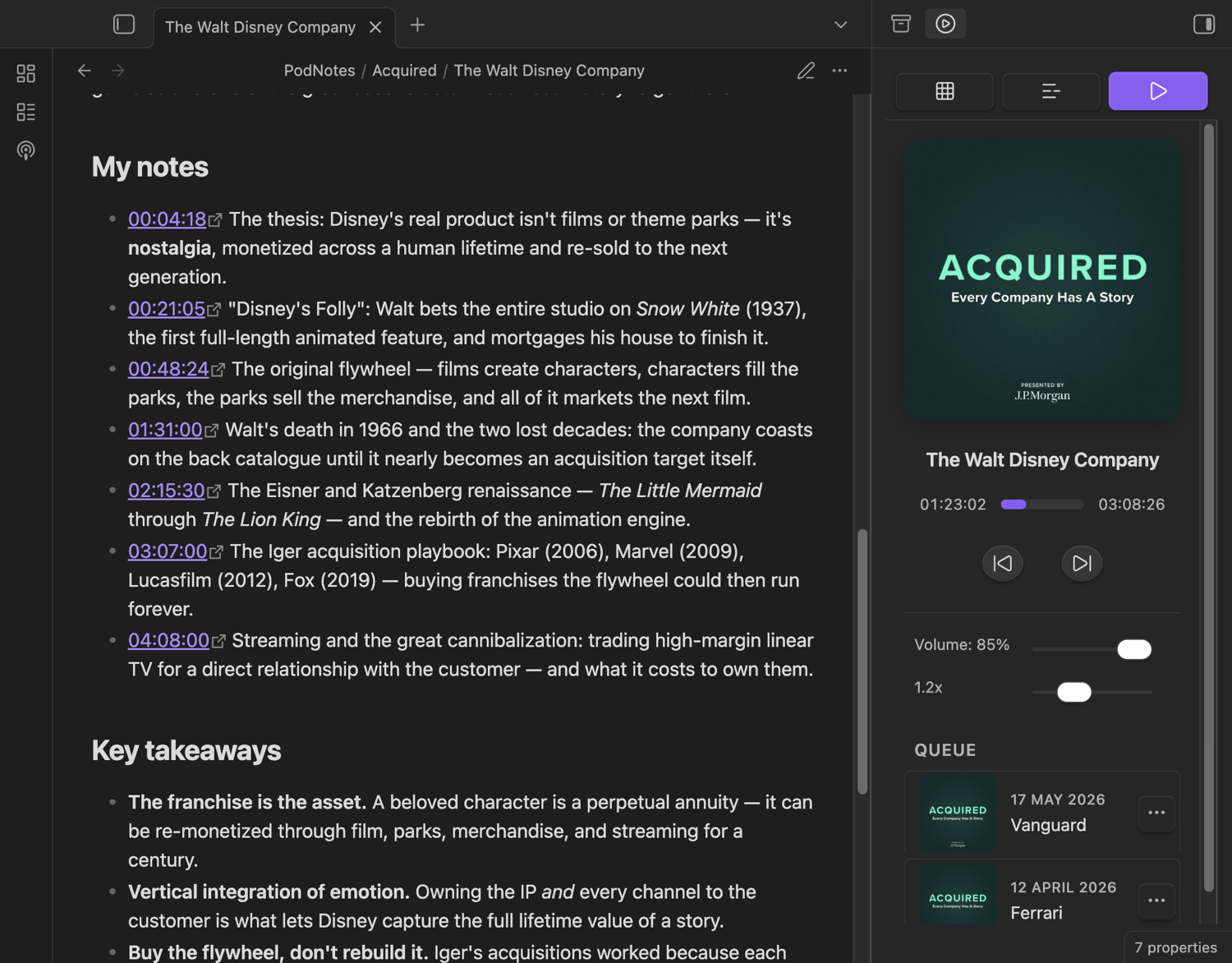
Episode notes
Section titled “Episode notes”Notes are created from a template with structured, Bases-friendly frontmatter.
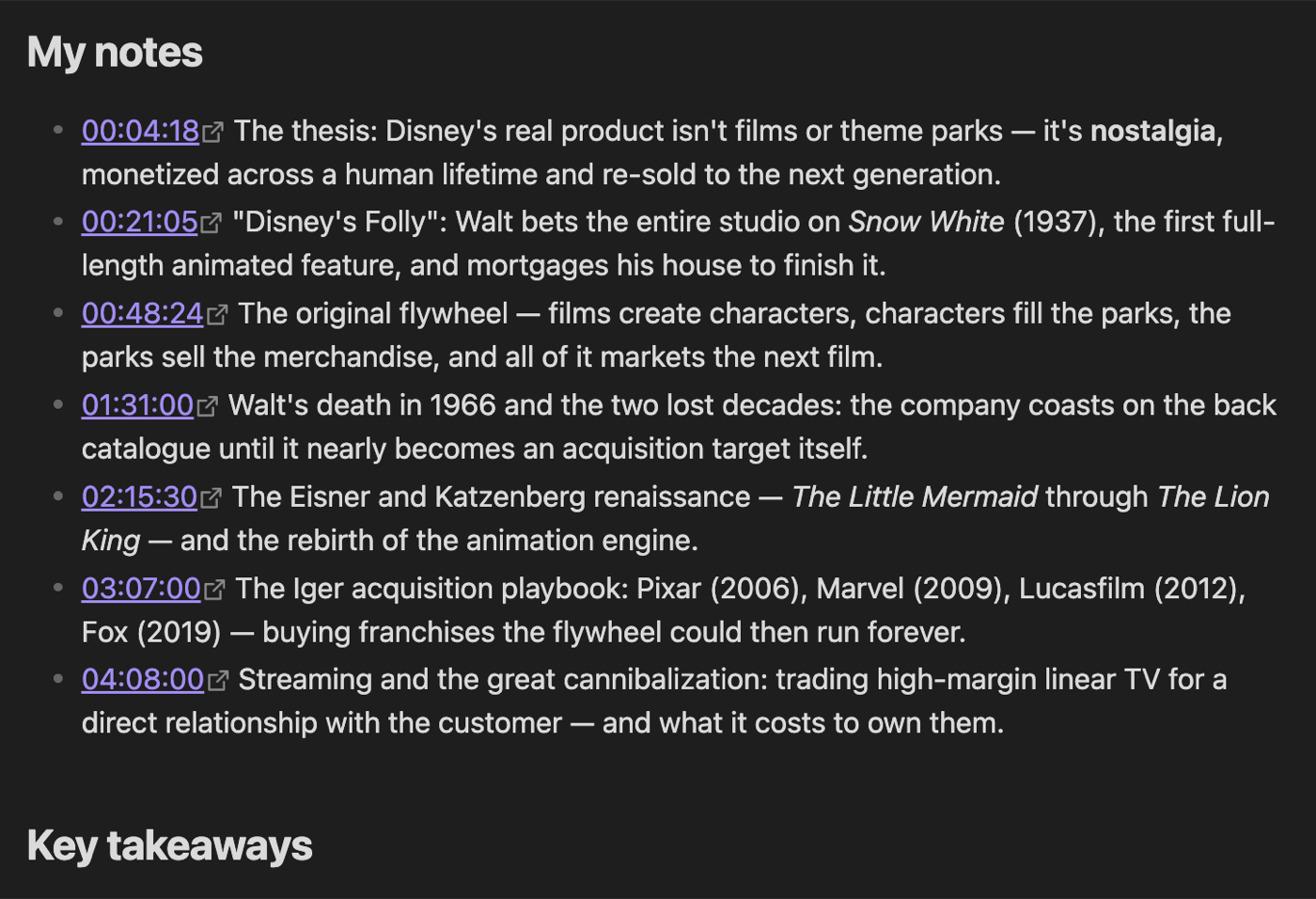
Timestamps
Section titled “Timestamps”Capture the moment you’re listening to as a clickable link straight into your notes.
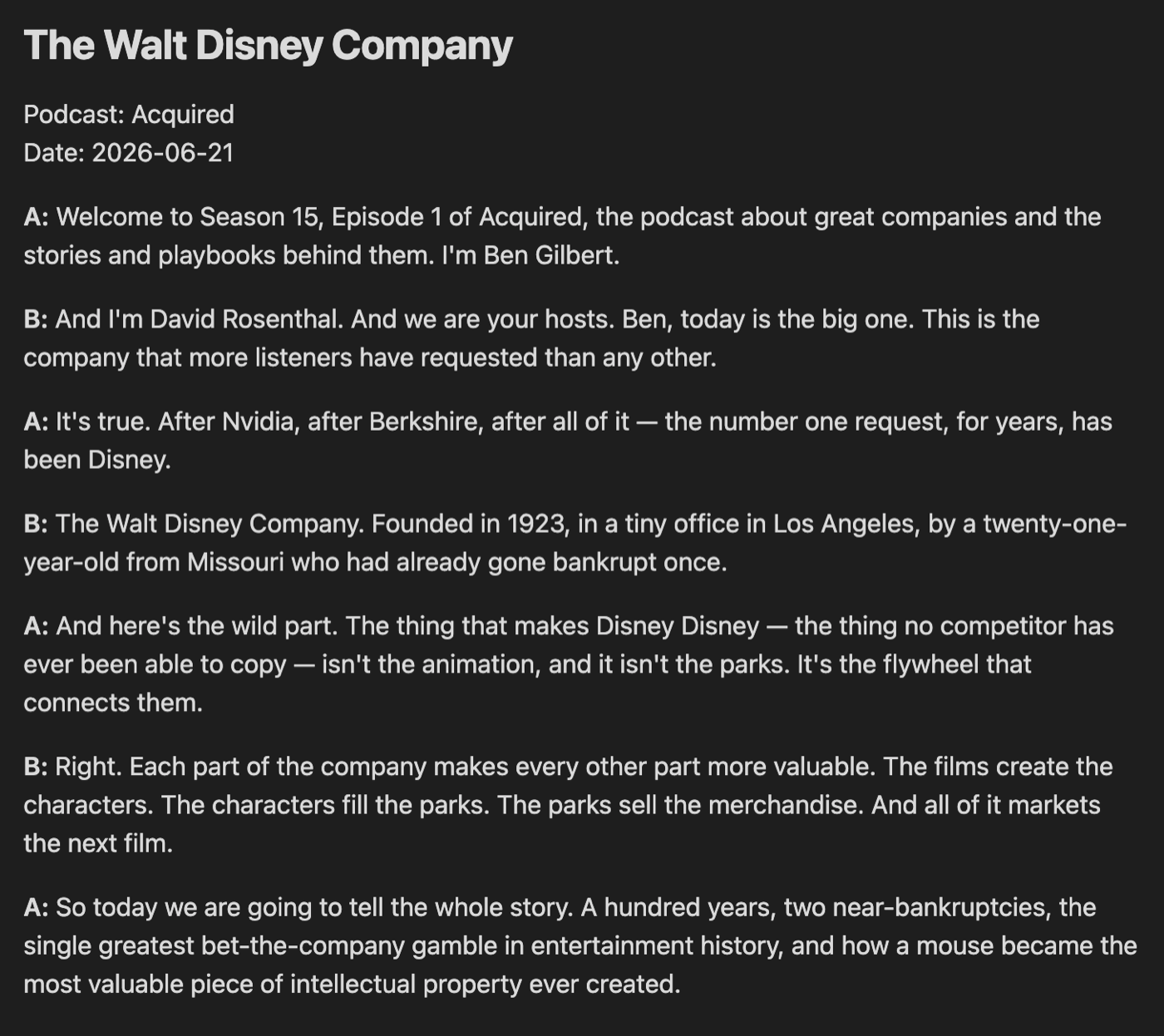
Transcripts with speaker labels
Section titled “Transcripts with speaker labels”Transcribe an episode and, optionally, label who said what.
Browse your library with Bases
Section titled “Browse your library with Bases”Because episode notes carry structured metadata, you can query them with Obsidian Bases.
Podcast search
Section titled “Podcast search”